 Dogecoin
Dogecoin wallets for compatible devices and private-key control
Updated -Dogecoin wallets give you access to DOGE through compatible apps or devices that manage the necessary private keys. Your choice depends on the device you use, who controls those keys, and how you can restore access. Native Dogecoin support is essential, while hardware integration and backup compatibility determine which combinations actually work together.
Table of contents
For self-custody, recovery support matters as much as everyday access. An app might run on your phone without accepting a backup from your desktop software, and a balance viewer may display DOGE without holding the keys needed to spend it.
Native DOGE support before a deposit
A compatible receiving setup supports DOGE on the Dogecoin network and gives you an address for that network. A similarly named token on another blockchain doesn't become native DOGE because its ticker looks familiar. The sending service's network selection must match the receiving wallet's support. This applies to withdrawals, payments, and Dogecoin mining payouts alike.
A watch-only view can monitor an address without controlling its coins. Before relying on a new setup, establish whether it can generate or recognize your receiving addresses and authorize spending. Those functions depend on the keys available to the software or its connected signing device.
Software access on desktop and mobile
Dogecoin Core and Exodus offer different approaches to desktop access. Core combines a wallet with a full node, which validates the blockchain locally. Exodus provides DOGE access through its desktop and mobile applications, with private keys managed locally in its software wallet. Both support self-custody, although their storage requirements and recovery methods differ.
Dogecoin Core has desktop releases for Windows, macOS, and Linux. Exodus also supports those operating-system families, along with Android and iOS on mobile. Operating-system names alone don't establish installation compatibility: the particular release can require a supported system version, processor architecture, and available memory. A phone app's existence doesn't establish that every desktop function appears there. Exodus can share a software wallet between desktop and mobile, extending access to the same keys across devices.
Copying a software wallet onto another device doesn't give its keys hardware isolation; a hardware-backed account uses a separate signing arrangement.
Which Dogecoin wallets let you control the keys?
Self-custody software and hardware wallets let you control the private keys, while a custodial service manages them on your behalf. Dogecoin Core and a software wallet such as Exodus belong to the first category. A hosted exchange balance generally belongs to the second. With self-custody, maintaining the recovery material becomes your responsibility; with custody, withdrawals depend on the service's account access and withdrawal rules. Hot and cold describe key exposure, which is a separate question from ownership. A locally controlled software wallet can be hot without being custodial.
Dogecoin Core synchronization and local storage
Dogecoin Core downloads and validates blockchain data so its wallet can work from a local view of the network. Initial synchronization needs disk space, a network connection, and processing time. Its duration varies with the computer and available peers. A wallet still catching up can have an incomplete view of payments, so an old displayed balance isn't conclusive evidence about the latest activity.
Core's wallet data and downloaded blockchain data serve different purposes. The blockchain records transactions, while the wallet holds the keys controlling your DOGE. Keeping blockchain files doesn't replace a wallet backup. Core suits a setup where local validation justifies the storage and maintenance involved; a wallet using remote network services avoids running that full node yourself.
Running a full node doesn't automatically perform Dogecoin mining or earn mining rewards.
Hardware signing and companion-app support
A DOGE-compatible hardware wallet keeps signing on the device while a companion app manages the surrounding interaction. Trezor Suite supports native Dogecoin with compatible Trezor devices. Ledger Live (formerly Ledger Live) likewise provides DOGE account management with Ledger hardware. A working setup needs compatible device firmware or coin applications as well as the companion software.
Signing and address verification
The device's display provides a separate place to inspect a receiving address or outgoing payment details. Hardware isolation protects the keys during supported signing, but approving the wrong destination still authorizes the wrong payment. Entering a hardware wallet's recovery material into ordinary software also exposes a copy outside the device.
Phone connections
USB access
Trezor Suite Mobile supports USB connections on Android for compatible Trezor devices. Its iOS app doesn't provide the same USB connection. A charging connector's presence alone doesn't establish wallet support; the app, operating system, and device must support communication together.
Bluetooth access
Trezor Safe 7 supports Bluetooth connections with Trezor Suite Mobile on Android and iOS. USB-only Trezor models can use view-only access on iOS. That access displays account information, while sending and device-based address verification require a supported connection.
Can a Dogecoin wallet backup open in another app?
A Dogecoin wallet backup opens in another app only when that app supports its format and key-generation method. Support for DOGE by itself doesn't establish recovery compatibility. Wallet files, individual private keys, and recovery phrases are different forms of recovery material, with different import requirements.
Wallet-file backups
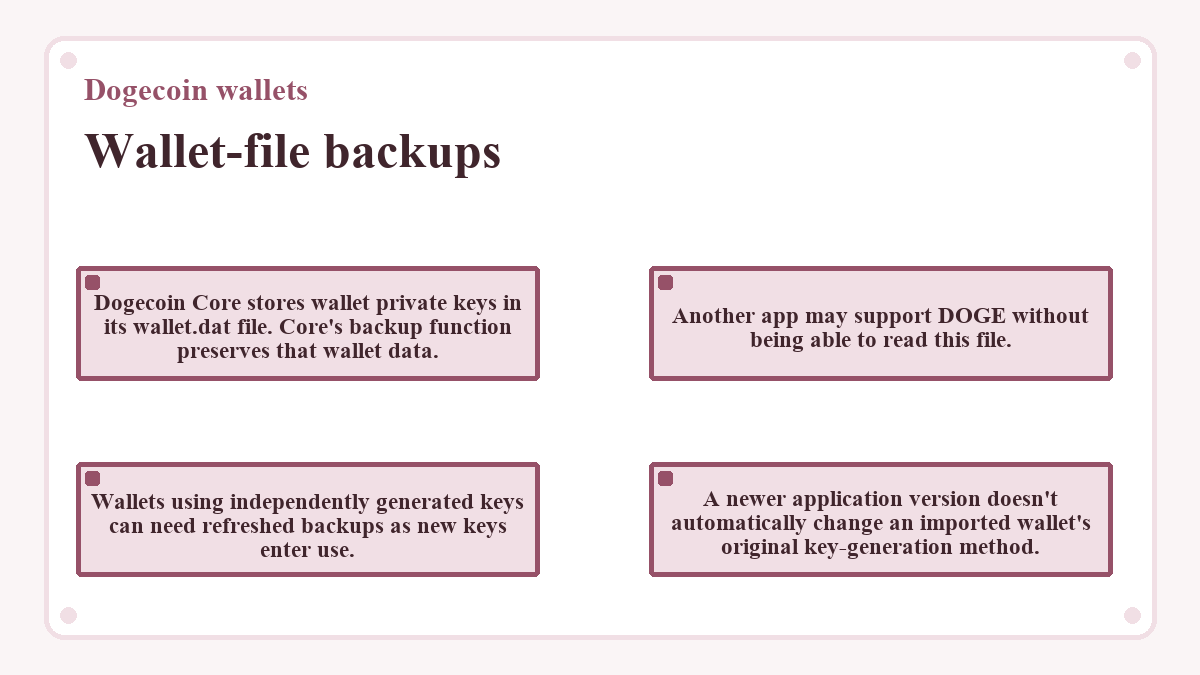
Dogecoin Core stores wallet private keys in its wallet.dat file. Core's backup function preserves that wallet data. Another app may support DOGE without being able to read this file. Wallets using independently generated keys can need refreshed backups as new keys enter use. A newer application version doesn't automatically change an imported wallet's original key-generation method.
Recovery phrases and derivation paths
A recovery phrase can regenerate keys in software supporting the same backup standard and derivation paths. A derivation path specifies how the wallet generates a particular account's keys from the underlying seed. Different paths can produce different addresses from the same phrase. Recovery must also preserve any optional passphrase used to create the funded wallet. Matching the number of recovery words alone doesn't establish compatibility.
Does hardware signing require an internet connection?
A hardware device can sign DOGE locally without direct internet access, while broadcasting requires a network-connected app or node. The companion app normally retrieves account information and handles broadcasting. Signing authorizes the payment; broadcasting submits it for network processing. A device confirmation therefore isn't evidence of a confirmed payment. Similarly, an app displaying an old balance while offline hasn't established the latest spendable balance.
A hypothetical phone connection mismatch
In this hypothetical setup, a DOGE-compatible hardware wallet works with a desktop companion app, while the available phone provides view-only access. Assume the wallet already has a securely stored backup, and the reader is preparing a native DOGE withdrawal. The supported choices are to verify the receiving setup on the desktop or postpone the withdrawal. The phone's balance display doesn't provide device-based address verification.
Using the supported desktop connection, the reader opens the DOGE account and compares its full receiving address with the hardware display. Matching addresses establish the intended receiving destination through that device. The withdrawal preview must then show the same destination and the Dogecoin network. The preview remains unsubmitted, allowing the reader to stop without moving funds.
The desktop connection supplies the missing verification step without exposing the recovery phrase to the phone. If that connection isn't available, postponing leaves the withdrawal unsent. Submitting it is the commitment to the sending service's transfer process. Closing the preview afterward isn't a network reversal, and a verified address doesn't prove that a payment has arrived.
Balance viewing and privacy on shared devices
Watch-only access uses public information to display account activity without providing spending keys. Some hardware companion apps retain an extended public key, often called an XPUB, after the signing device disconnects. That information can reveal multiple derived addresses and their history. Someone with view-only access can therefore learn about your holdings without gaining the ability to send DOGE.
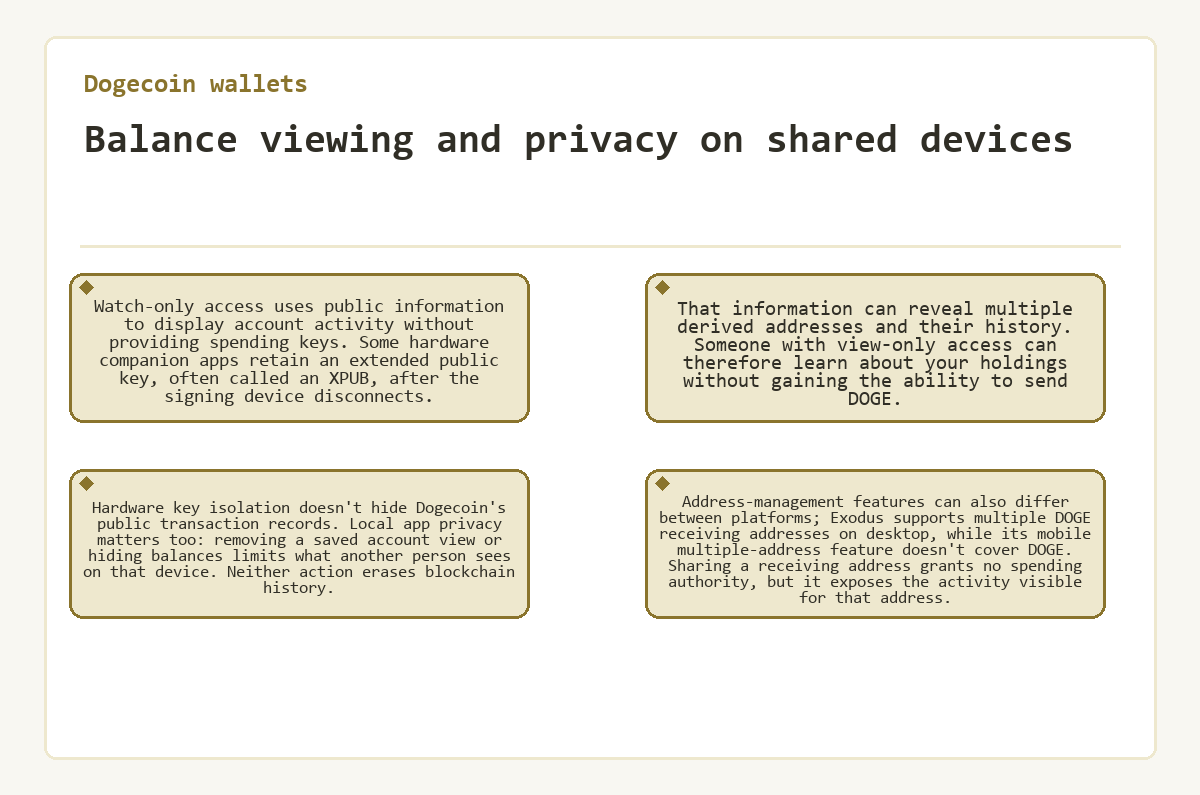
Hardware key isolation doesn't hide Dogecoin's public transaction records. Local app privacy matters too: removing a saved account view or hiding balances limits what another person sees on that device. Neither action erases blockchain history. Address-management features can also differ between platforms; Exodus supports multiple DOGE receiving addresses on desktop, while its mobile multiple-address feature doesn't cover DOGE. Sharing a receiving address grants no spending authority, but it exposes the activity visible for that address.
Purchases, swaps, and withdrawal availability
A wallet's DOGE sending and receiving functions don't establish access to every purchase or swap service shown alongside them. Those services can involve separate providers, supported payment methods, identity checks, and regional restrictions. An exchange may also impose withdrawal conditions despite displaying a DOGE trading balance. Its withdrawal charge can differ from the Dogecoin network fee, so the review screen's total deduction and expected recipient amount matter. An app advertising several cryptocurrencies doesn't imply it can withdraw every one on its native network.
Hardware isolation or everyday software access
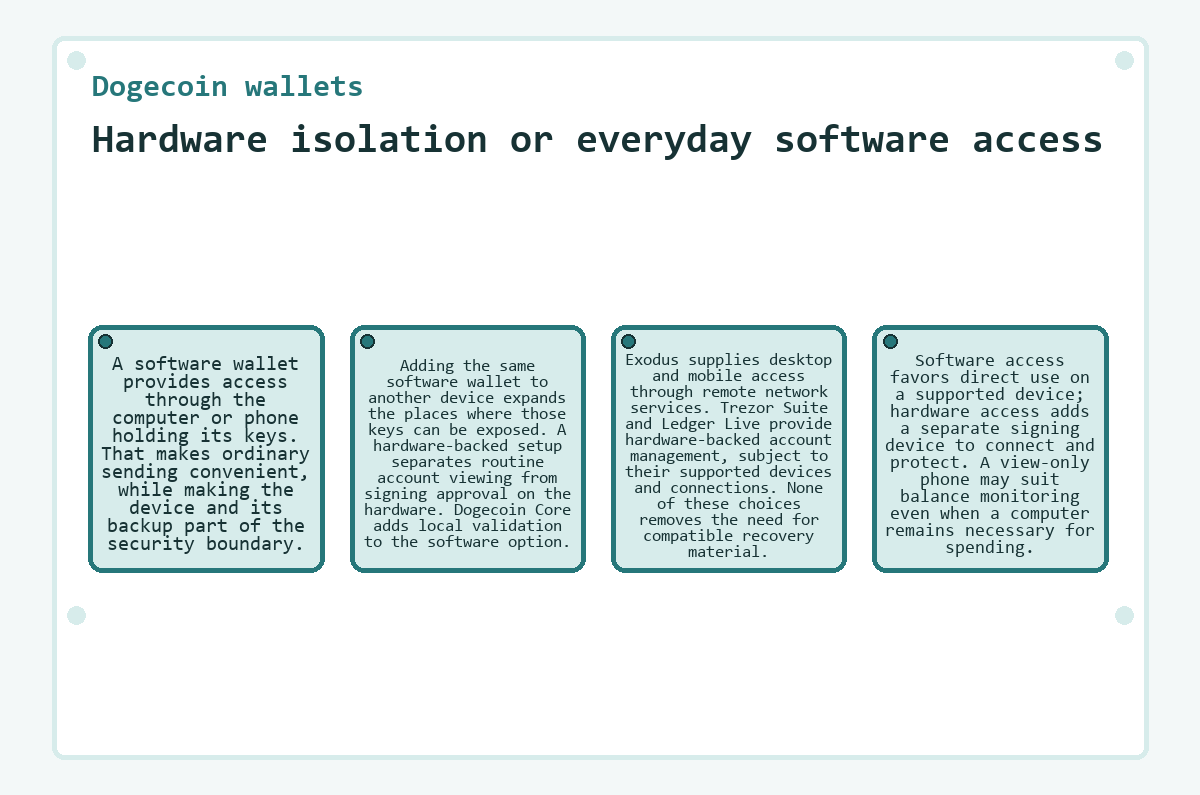
A software wallet provides access through the computer or phone holding its keys. That makes ordinary sending convenient, while making the device and its backup part of the security boundary. Adding the same software wallet to another device expands the places where those keys can be exposed. A hardware-backed setup separates routine account viewing from signing approval on the hardware.
Dogecoin Core adds local validation to the software option. Exodus supplies desktop and mobile access through remote network services. Trezor Suite and Ledger Live provide hardware-backed account management, subject to their supported devices and connections. None of these choices removes the need for compatible recovery material.
Software access favors direct use on a supported device; hardware access adds a separate signing device to connect and protect. A view-only phone may suit balance monitoring even when a computer remains necessary for spending.
What readers ask about Dogecoin wallets
-
Will uninstalling a Dogecoin wallet app remove my DOGE?
- Uninstalling an app doesn't remove DOGE from the blockchain, but it can remove the local keys needed to spend it. Whether app data survives uninstallation varies by platform. Preserve the wallet's usable backup before deleting anything. For a self-custody software wallet, reinstallation restores access only if the existing wallet data survives or you restore its usable backup; generating a new phrase creates different keys. Uninstalling a hardware wallet's companion app leaves its keys on the hardware, while access to a custodial wallet depends on the service's account rules.
-
Why does a restored Dogecoin wallet show an empty balance?
- An empty restored wallet can reflect a different recovery phrase, derivation path, account, or optional passphrase. The app may also need to finish synchronization or enable the Dogecoin account. In Trezor Suite, a mistyped passphrase opens a different wallet instead of producing a wrong-password warning. An empty display alone doesn't establish that the original coins moved.
-
Can a fingerprint unlock replace a Dogecoin wallet backup?
- A fingerprint unlock controls access on a particular device and doesn't replace recovery material. Supported mobile wallets can use device biometrics for local access, while recovery relies on the wallet's backup method. A working fingerprint on the old phone won't regenerate its keys on a replacement. The backup and any required recovery passphrase remain separate requirements.
-
How does sweeping a DOGE private key differ from importing it?
- A true key import adds an existing key to a wallet, while a sweep transfers its spendable DOGE to a new destination. Sweeping creates a blockchain transaction and incurs a network fee. Interface wording can obscure that distinction: Exodus Desktop's private-key import function moves funds instead of retaining the supplied key. Examine the operation's behavior before authorizing it.
-
Which file matters when recovering an old Dogecoin Core wallet?
- The wallet.dat file contains Dogecoin Core's wallet keys and transaction records; downloaded blockchain files aren't substitutes. Keep an untouched copy of the old file before attempting recovery. An encrypted wallet also needs its encryption password for spending. For wallets using independently generated keys, an old backup may miss later keys. The filename alone doesn't establish a file's contents.
-
Does closing a Dogecoin wallet cancel a transaction?
- Closing a wallet doesn't cancel a transaction already broadcast to the network. A transaction prepared locally without broadcasting hasn't yet been submitted, although someone holding a valid signed copy could submit it. Application status and network status can differ. Closing a window or deleting a local record doesn't instruct other nodes to erase a payment.
-
Could a mining pool recover the keys for my DOGE payout address?
- A mining pool given only your receiving address can't reconstruct its private keys or restore your personal wallet. The address allows the pool to send payouts, while spending authority comes from the keys controlling that address. Pool login credentials control access to the pool account, not to an external self-custody wallet. Keep the payout wallet's recovery material separately.